
External Email - Use Caution
Freesurfers, I am trying to use mri_mask using surface overlays. I made a label into a volume and then into a surface with 1s inside the label and 0s outside the label. I want to make a connectivity map surface overlay with values only within my label overlay. However when I run it, it creates a surface overlay with only zeros. There is definitely values within the label surface overlay (I triple checked). Code I used: Mri_mask original_surface_overlay label_mask new_masked_output
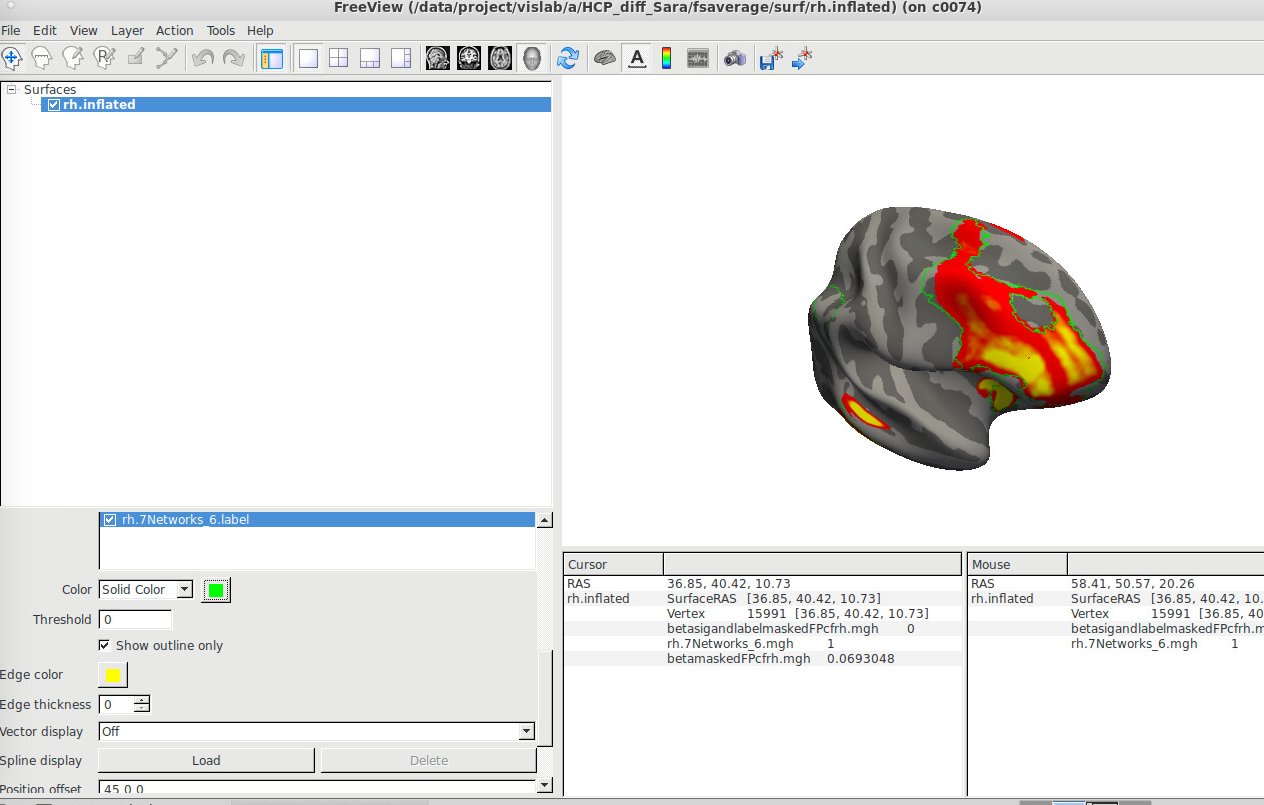
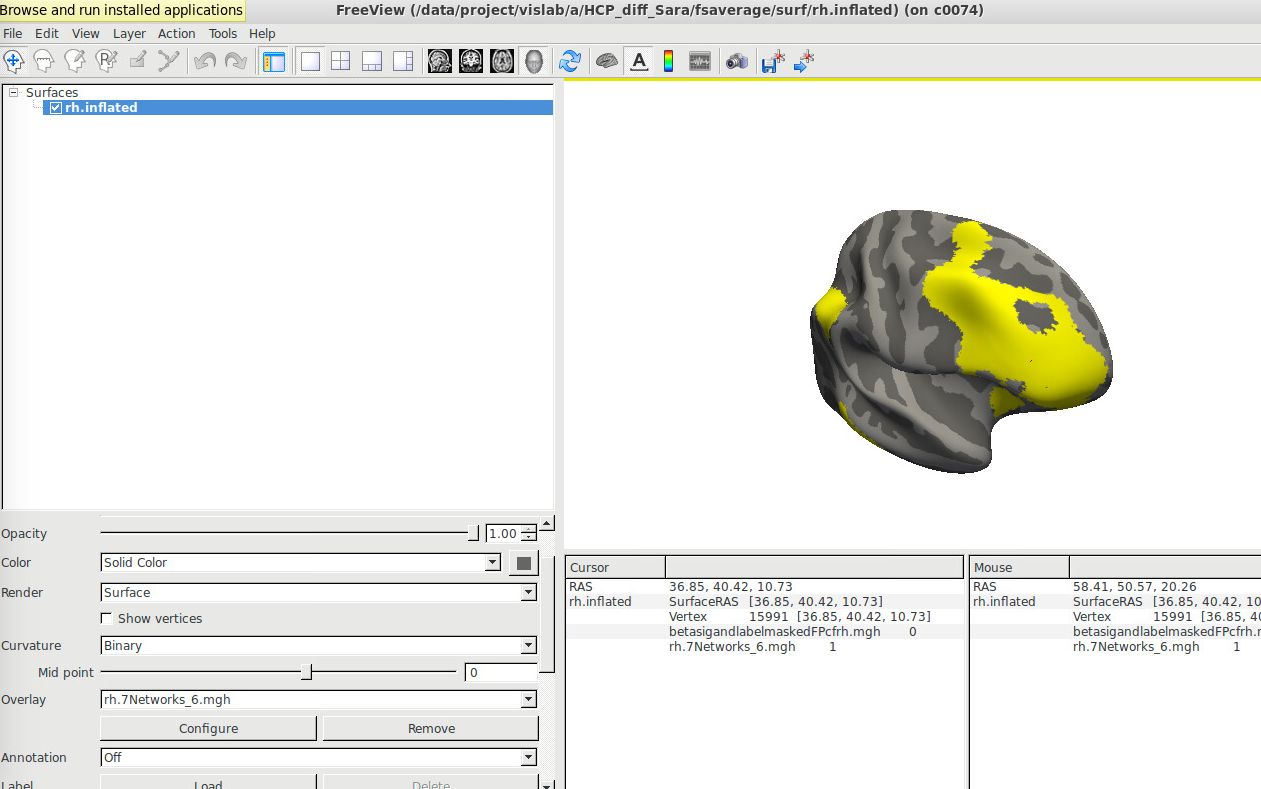
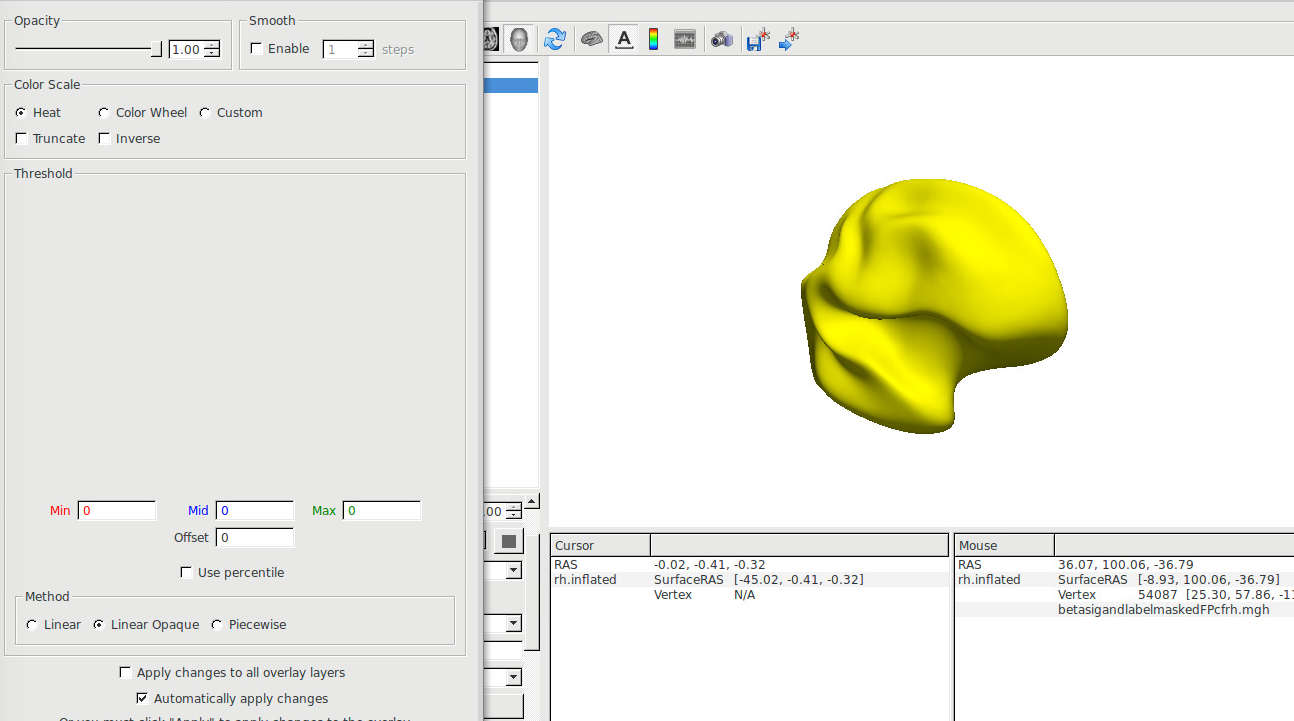
It doesn’t output any errors. Here is what it looks like in freeview: Original surface overlay (label is outlined in green) [cid:image001.png@01D5821A.1324B130] The label made into a surface overlay (same as the one shown in green above): [cid:image002.png@01D5821A.1324B130] But this is the output: all zeros even though there was data within the mask. [cid:image003.png@01D5821A.1324B130]
Help! Sara A. Sims

Hi Sara
we will need to know the actual commands and the screen output from them that you ran
cheers Bruce
On Mon, 14 Oct 2019, Sims, Sara A (Campus) wrote:
External Email - Use Caution
Freesurfers,
I am trying to use mri_mask using surface overlays. I made a label into a volume and then into a surface with 1s inside the label and 0s outside the label. I want to make a connectivity map surface overlay with values only within my label overlay. However when I run it, it creates a surface overlay with only zeros. There is definitely values within the label surface overlay (I triple checked).
Code I used:
Mri_mask original_surface_overlay label_mask new_masked_output
It doesn’t output any errors.
Here is what it looks like in freeview:
Original surface overlay (label is outlined in green)
[IMAGE]
The label made into a surface overlay (same as the one shown in green above):
[IMAGE]
But this is the output: all zeros even though there was data within the mask.
[IMAGE]
Help!
Sara A. Sims
External Email - Use Caution
Here is how I made the label into a surface overlay: mri_label2vol --label $label/lh.7Networks_6.label --temp /data/project/vislab/a/HCP_diff_Sara/fsaverage/mri/orig.mgz --identity --o $vols/lh.7Networks_6.nii mri_vol2surf --src $vols/lh.7Networks_6.nii --out $surfs/lh.7Networks_6.mgh --regheader fsaverage --hemi lh
Here is the mri_mask command: mri_mask betamaskedFPcflh.mgh $surfs/lh.7Networks_6.mgh betasigandlabelmaskedFPcflh.mgh
Output from mri_mask: DoAbs = 0 INFO: MRImask() using MRImaskDifferentGeometry() Writing masked volume to betasigandlabelmaskedFPcflh.mgh...done.
Sara A. Sims, MA Medical/Clinical Psychology Program UAB | The University of Alabama at Birmingham CIRC Suite 252A | 1719 6th Avenue South | Birmingham, AL 35294 P: 205.975.4060 | snolin@uab.edu
On 10/14/19, 2:35 PM, "freesurfer-bounces@nmr.mgh.harvard.edu on behalf of Bruce Fischl" <freesurfer-bounces@nmr.mgh.harvard.edu on behalf of fischl@nmr.mgh.harvard.edu> wrote:
Hi Sara
we will need to know the actual commands and the screen output from them that you ran
cheers Bruce
On Mon, 14 Oct 2019, Sims, Sara A (Campus) wrote:
> > External Email - Use Caution > > Freesurfers, > > I am trying to use mri_mask using surface overlays. I made a label into a > volume and then into a surface with 1s inside the label and 0s outside the > label. I want to make a connectivity map surface overlay with values only > within my label overlay. However when I run it, it creates a surface overlay > with only zeros. There is definitely values within the label surface overlay > (I triple checked). > > Code I used: > > Mri_mask original_surface_overlay label_mask new_masked_output > > > > It doesn’t output any errors. > > Here is what it looks like in freeview: > > Original surface overlay (label is outlined in green) > > [IMAGE] > > The label made into a surface overlay (same as the one shown in green > above): > > [IMAGE] > > But this is the output: all zeros even though there was data within the > mask. > > [IMAGE] > > > > Help! > > Sara A. Sims > > > > >

Can you send the full terminal output?
On 10/14/19 12:01 AM, Sims, Sara A (Campus) wrote:
External Email - Use Caution
Freesurfers,
I am trying to use mri_mask using surface overlays. I made a label into a volume and then into a surface with 1s inside the label and 0s outside the label. I want to make a connectivity map surface overlay with values only within my label overlay. However when I run it, it creates a surface overlay with only zeros. There is definitely values within the label surface overlay (I triple checked).
Code I used:
Mri_mask original_surface_overlay label_mask new_masked_output
It doesn’t output any errors.
Here is what it looks like in freeview:
Original surface overlay (label is outlined in green)
The label made into a surface overlay (same as the one shown in green above):
But this is the output: all zeros even though there was data within the mask.
Help!
*Sara A. Sims*
Freesurfer mailing list Freesurfer@nmr.mgh.harvard.edu https://mail.nmr.mgh.harvard.edu/mailman/listinfo/freesurfer
freesurfer@nmr.mgh.harvard.edu
-
 Bruce Fischl
 -
 Greve, Douglas N.,Ph.D.
 -
 Sims, Sara A (Campus)