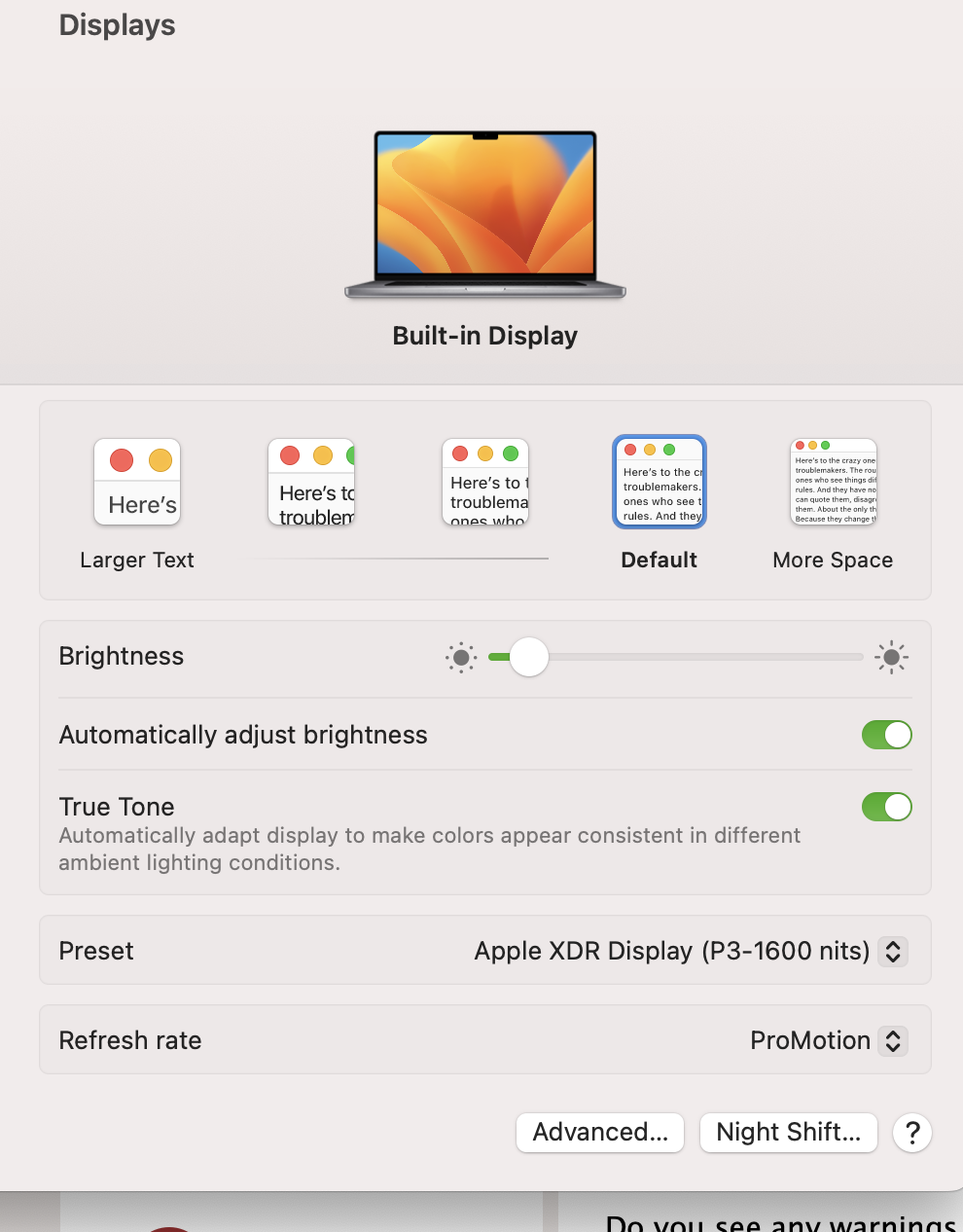
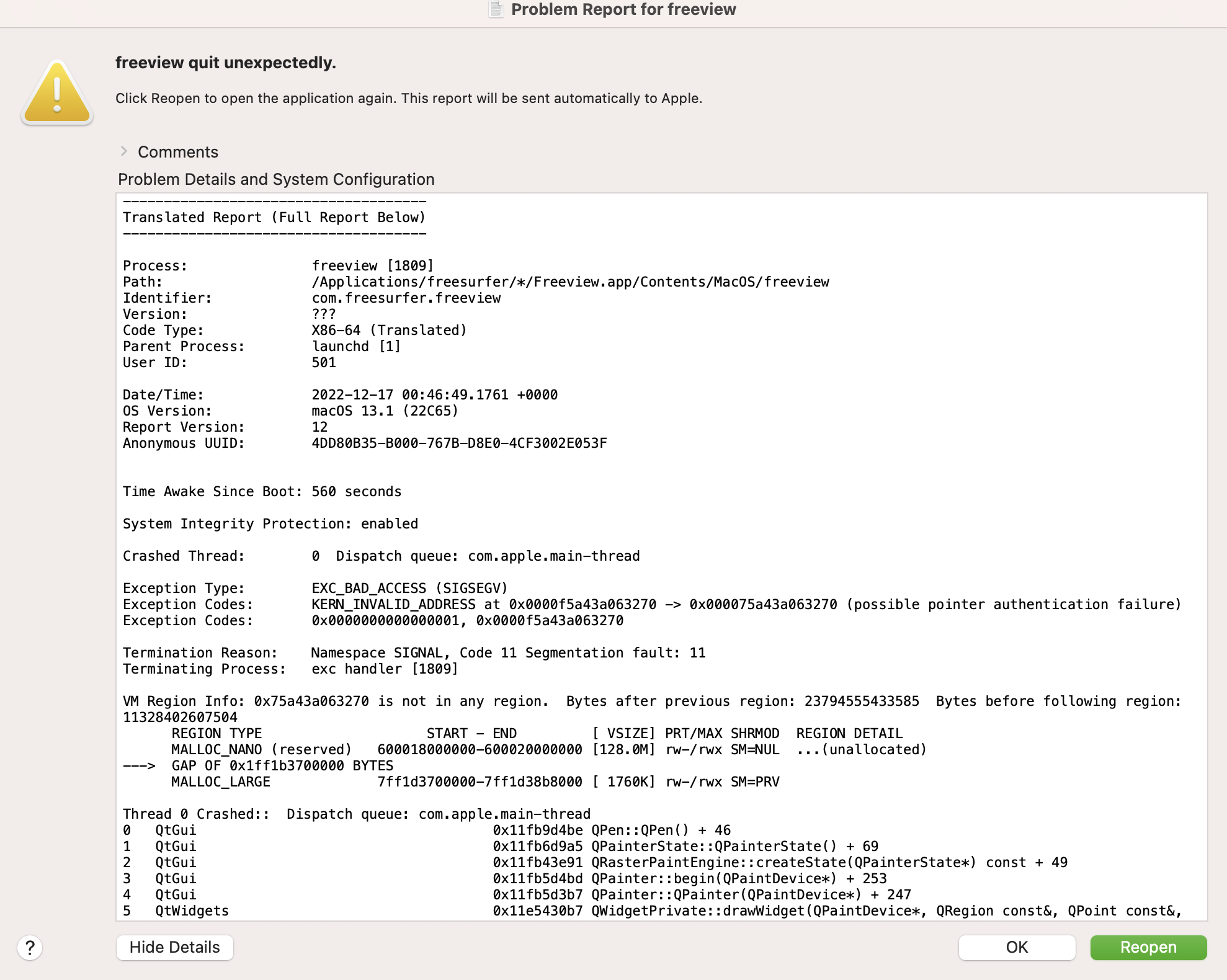
I updated the Xquartz yet still same issue. Freeview only works with the command line but the gui is till crashing.
Gkxgears seems to work fine
I have attached images of both the crash report and the graphics information about my mac.
Reuben A. From: fsbuild fsbuild@contbay.com Date: Friday, December 16, 2022 at 10:27 PM To: freesurfer@nmr.mgh.harvard.edu freesurfer@nmr.mgh.harvard.edu Cc: Addison, Reuben RAddison@MGHIHP.EDU Subject: Re: [Freesurfer] Freeview quit unexpectedly
External Email - Use Caution I would downloaded and install the latest Xquartz (X-Windows for MacOS) which is version 2.8.3 from https://www.xquartz.org/https://secure-web.cisco.com/1gmupoeMsbeg1beYgo49td-mlC1LLWxUwIYtn8uhSXuicCNa9znRQ9OH0H-PHM0jkWMMyfRnWOhpdOtOmEmY868TM6GcxB62YIMmICUdJ0zEINhuBvPcCXr8wn0HW39VN0UVGekUBVtqv5jXmPxS6cWyE0-iQDPaNeorNtiuJon_xvrC7uHnGY1TLAjkSnsv22LTpmcUFhsAxF5hQG7egZ6L_xvUG2escUuhUtfs8T4YOisHDJulPno8CzM61hBJ8beNQYz6w66hdOHJuX_uqLhPgHnHqwy9mW2Y2oaRVs4F-XHw6bpOVCTX_pfg5jDLI/https%3A%2F%2Fwww.xquartz.org%2F This was updated only a week ago and contains universal binaries.
After you install Xquartz open a new terminal window and type “glxgears”. An X-Window should pop up showing the spinning gears.
% which glxgears /opt/X11/bin/glxgears % glxgears 303 frames in 5.0 seconds = 60.564 FPS 309 frames in 5.0 seconds = 61.607 FPS … .. . … close glxgears window to exit ....
Then at least your X-Windows graphics will be up to date (which might affect the GUI). Then try your image again.
Do you see any warnings, error, info, etc., listed in the terminal window after the freeview command? If so, please send that along.
Maybe you could send along a screenshot of what “about this mac” displays. That would tell us if you are using a graphics card or the built-in graphics - and also a screenshot of the freeview window.
- R.