External Email - Use Caution
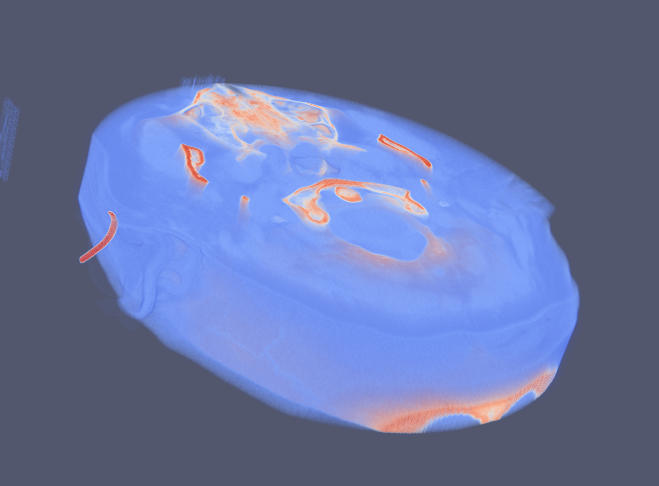
The fixed volume is my model volume and the other is a patient volume (moving )that I want to fit and to the fixed volume. They are different in size and they have to be perfectly aligned. Please guide me on how to do the registration. 8.png is the model volume. 9.png is the patient volume. 10.png is the outline of their size. the smaller one is the moving image and the bigger one is the fixed image.
On Fri, Jun 21, 2019 at 10:22 AM Bruce Fischl fischl@nmr.mgh.harvard.edu wrote:
what kinds of volumes are they and why are you registering them? cheers Bruce On Thu, 20 Jun 2019, Shrabani Ghosh wrote:
External Email - Use CautionHi freesurfer, I want to do registration on two image volumes nifti file. What are the
commands I have to use to do
the registration?
Shrabani Ghosh
Freesurfer mailing list Freesurfer@nmr.mgh.harvard.edu https://mail.nmr.mgh.harvard.edu/mailman/listinfo/freesurfer