
External Email - Use Caution
Hi FreeSurfer Developers,
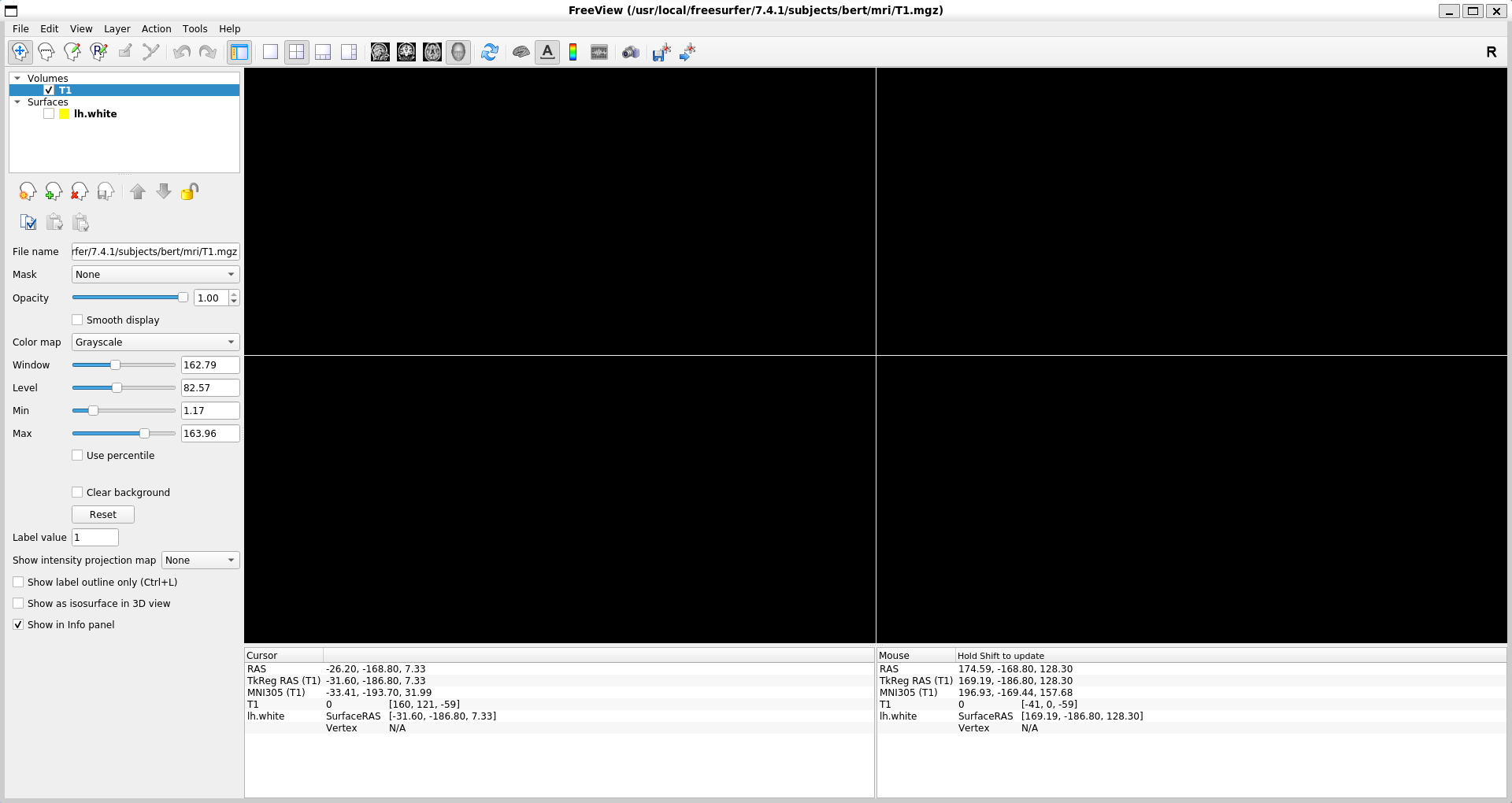
I've just installed Freesurfer and am trying to view a sample subject's data in Freeview (bert T1.mgz) but nothing is displayed (blank black screen - see attached screenshot). Xming is running and I've confirmed graphics function with xeyes. The progress bar in Freeview also completes and zooming in/out hasn't helped. I've also tested other volumes, surfaces, and patients with the same results. I'm running freesurfer-linux-ubuntu20_x86_64-7.4.1-20230614-7eb8460 on Ubuntu 20.04.6 LTS via WSL2 Has anyone experienced something like this before or have any clue what might be going on? Sorry if it's a simple solution - I'm new here
Thanks in advance, Haley
[cid:71a16993-26fc-4e0c-b21c-e03609ba5b22]

External Email - Use Caution
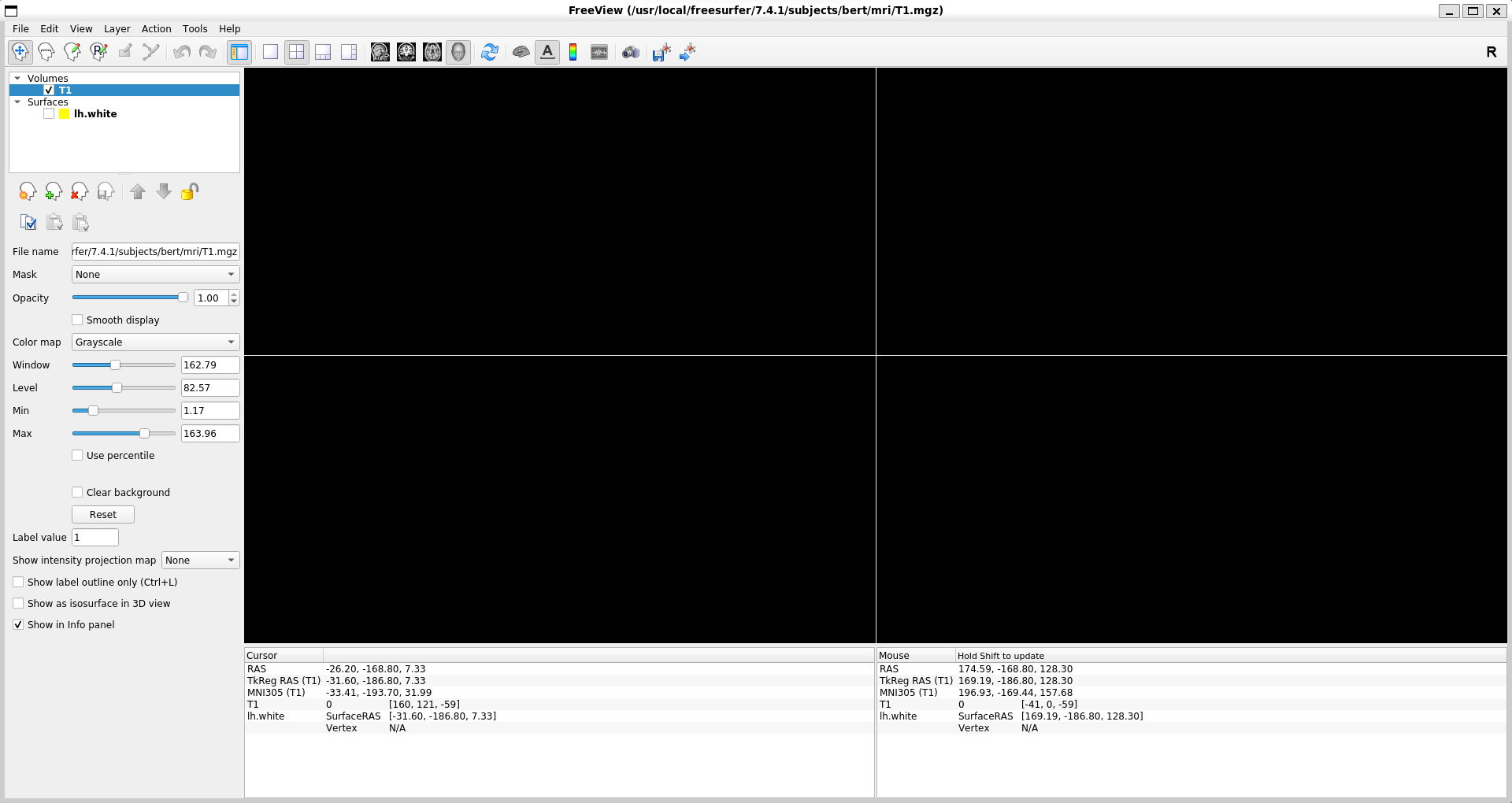
The voxel coordinate shown at the bottom is -59, so for some reason the cursor is outside the FOV. Try clicking there and typing in 100,100,100 or something like that
Cheers Bruce
From: freesurfer-bounces@nmr.mgh.harvard.edu freesurfer-bounces@nmr.mgh.harvard.edu On Behalf Of Haley O Higginbotham Sent: Saturday, June 17, 2023 8:14 PM To: freesurfer@nmr.mgh.harvard.edu Subject: [Freesurfer] Freeview: data not displayed
External Email - Use Caution Hi FreeSurfer Developers,
I've just installed Freesurfer and am trying to view a sample subject's data in Freeview (bert T1.mgz) but nothing is displayed (blank black screen - see attached screenshot). Xming is running and I've confirmed graphics function with xeyes. The progress bar in Freeview also completes and zooming in/out hasn't helped. I've also tested other volumes, surfaces, and patients with the same results. I'm running freesurfer-linux-ubuntu20_x86_64-7.4.1-20230614-7eb8460 on Ubuntu 20.04.6 LTS via WSL2 Has anyone experienced something like this before or have any clue what might be going on? Sorry if it's a simple solution - I'm new here
Thanks in advance, Haley
[cid:image001.png@01D9A161.116FCEA0]
freesurfer@nmr.mgh.harvard.edu
-
 Fischl, Bruce R.,PHD
 -
 Haley O Higginbotham