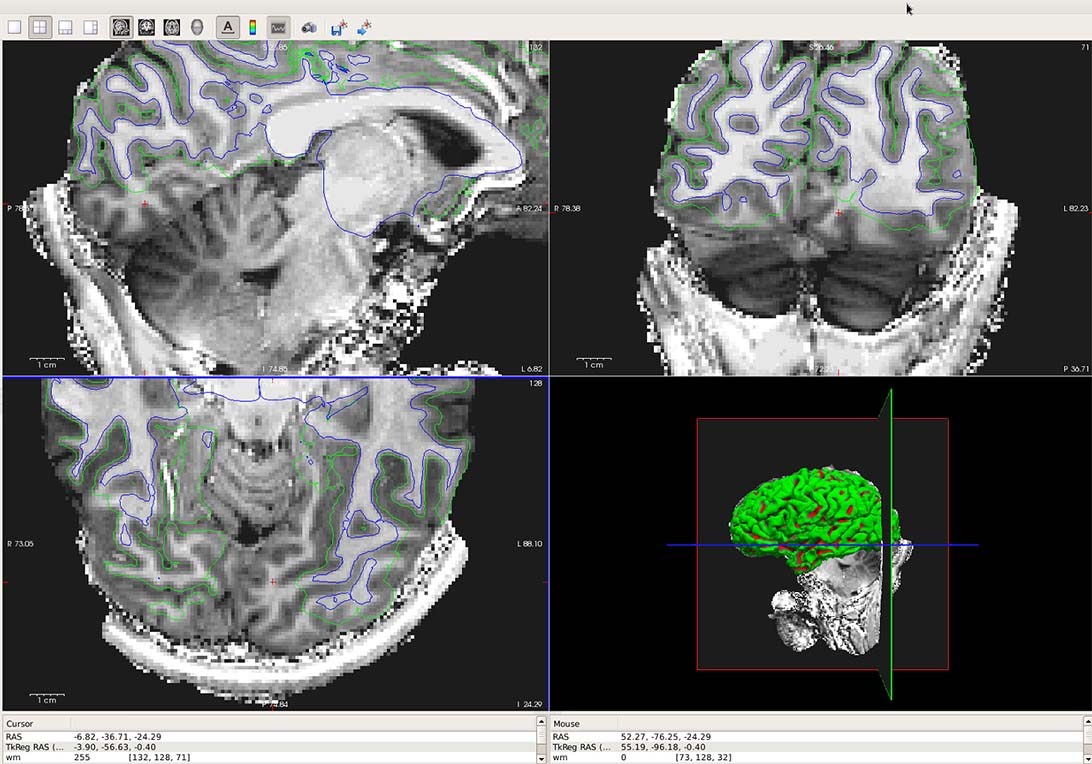
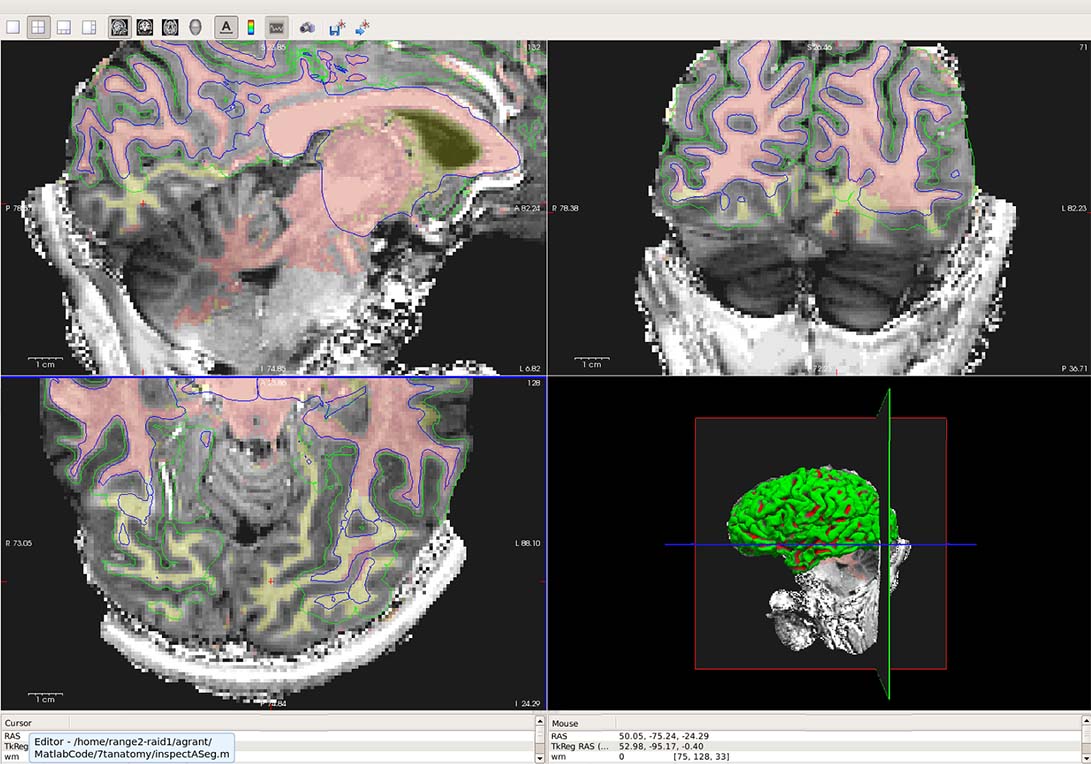
I was able to quickly edit my WM.mgz file using the contour edit that Louis suggested. However, when I then re-run the recon-all with -autorecon2-wm and -autorecon3, it doesn't correct the problem. I'm attaching two figures (with and without the edited WM.mgz overlay). What are my next steps to correct the segmentation?
Thanks,
Andrea
On Fri, Mar 7, 2014 at 3:25 PM, Louis Nicholas Vinke < vinke@nmr.mgh.harvard.edu> wrote:
Hi Andrea, You can use the contour tool in the voxel edit mode to quickly and roughly fill in wm. Use the tool with the wm.mgz selected in the volume layer list but set the brainmask (or T1) as the reference. Set brush value to 255, and then do crtl+alt+leftbutton while dragging the mouse to adjust the contour, and then crtl+leftclick to fill in selected regions. Note that the cerebellar white matter may be outlined by the contour as well, but if it doesn't connect with the cortical wm then it won't be filled in. -Louis